
Practicum Computer Science
Due Date: August 25, 2025
2. Presentation on a Career to the class. (5 to 7 minutes long)
Purpose: To research a career available to you in the fields of Cybersecurity, Computer Science, or Video Games.
Click here to access your Career Sheet. Be sure to fill it out.
Please duplicate your document, follow the instructions, and include a standard heading. Your title should be "Career Presentation".
Click here to review potential careers in Cybersecurity, Computer Science, and Video Games. You are not limited to this list.
Click here to review the Rubric.
Notes:
- Use Google Slides, Sheets, or PowerPoint. Your choice.
- Your Activity presentation should last 4–5 minutes.
- You may include a Game-Based Activity such as WayGround, Kahoot!, Gimkit, or Blooket.
- Career Exploration Worksheet that needs to filled out and named PX_lastname_CareerWorksheet
- Your presentation file should be named:
PX_lastname_Career.
- Your activity link should be named:
PX_lastnameActivity.
- Drop off 3 files into both your Google Folder Structure and Google Classroom.
Due Date: September 10, 2026
Due Date: September 22, 2026
Complete the following CMU Lessons.
1.3.10 Code Tracing Exercises
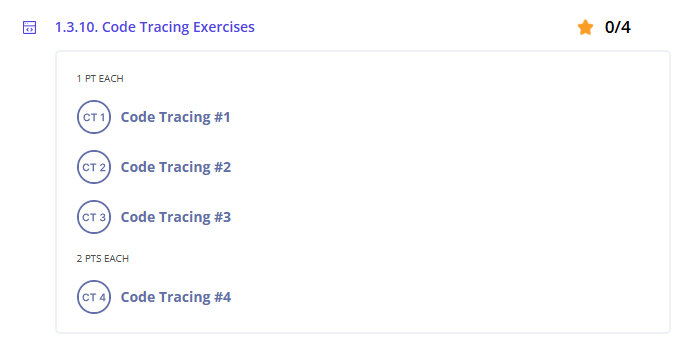
Reminder: Make sure you complete all tasks before the due date.
Due Date: September 24, 2026
Complete the following CMU Lessons.
1.3.11. Guided Exercises
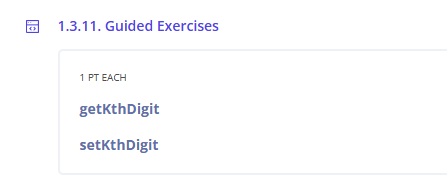
Reminder: Make sure you complete all tasks before the due date.
Due Date: September 25, 2026
Complete the following CMU Lessons.
1.3.12. Section Exercises
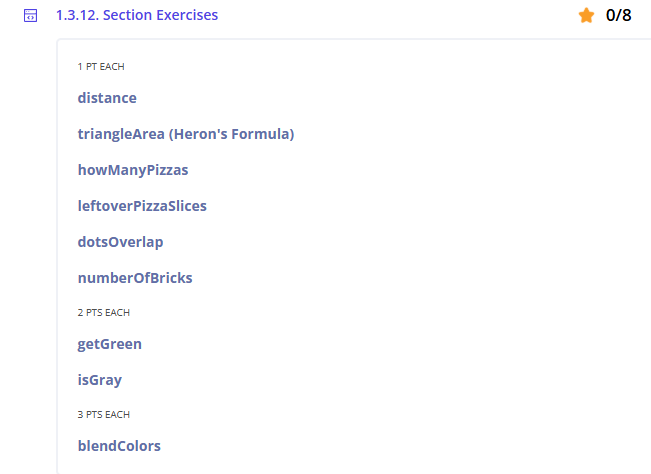
Code Tracing Exercises
Reminder: Make sure you complete all tasks before the due date.
Due Date: September 28, 2026
Complete the following CMU Lessons.
1.3.13. Additional Code Tracing Exercises
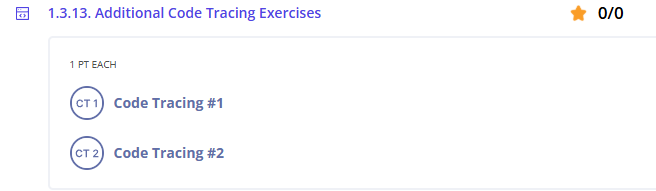
Reminder: Make sure you complete all tasks before the due date.
Due Date: September ?, 2026
Complete the following CMU Lessons.
1.3.14. Additional Practice Exercises
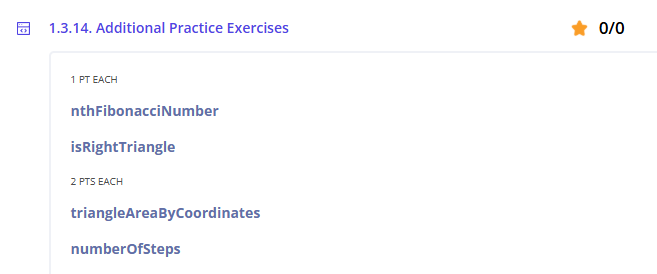
Reminder: Make sure you complete all tasks before the due date.
Resources
CMU CS Academy
What is CMU?
Resources
Resources
Resources
Khan Academy
- To Sign into .
- https://www.khanacademy.org/join/HDUD672S
- Log in using your Klein ISD username and password.
- Click on the next line to join the class.
Resources
Cyber Range and tools
Purpose
- Learn how to log in and access the Cyber Range.
Step 1: Access Your Cyber Range Account
Note: To copy and paste between the Linux virtual environment and your Windows environment, use Ctrl + Shift + Alt.