
Independent Study 1
Due Date: September 10, 2026
Due Date: September 14, 2026
Complete the following CMU Lessons.
1.1 Basic Programming Contructs
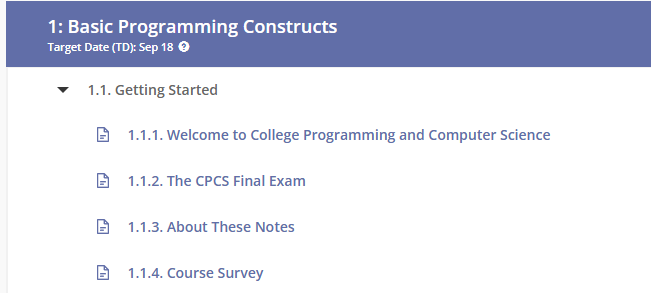
Reminder: Make sure you complete all tasks before the due date.
Due Date: September 14, 2026
Complete the following CMU Lessons.
1.2Data, Expressions, and Variables
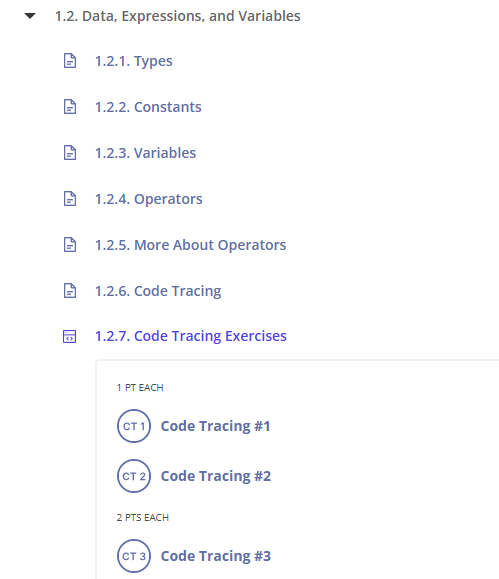
Reminder: Make sure you complete all tasks before the due date.
Due Date: September 17, 2026
Complete the following CMU Lessons.
1.3 Functions
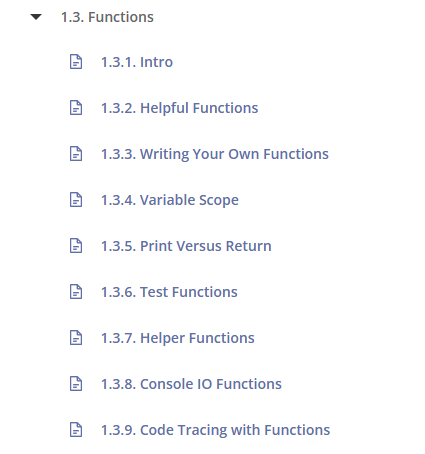
Reminder: Make sure you complete all tasks before the due date.
Due Date: September ?, 2026
Complete the following CMU Lessons.
1.3.10 Code Tracing Exercises
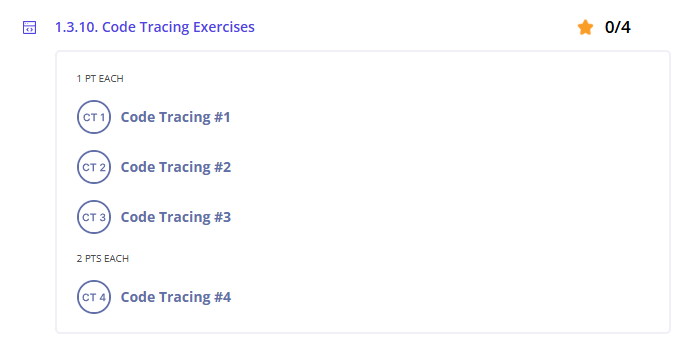
Reminder: Make sure you complete all tasks before the due date.
Due Date: September ?, 2026
Complete the following CMU Lessons.
1.3.11. Guided Exercises
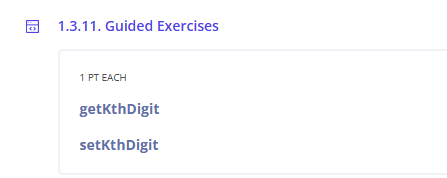
Reminder: Make sure you complete all tasks before the due date.
Due Date: September ?, 2026
Complete the following CMU Lessons.
1.3.12. Section Exercises
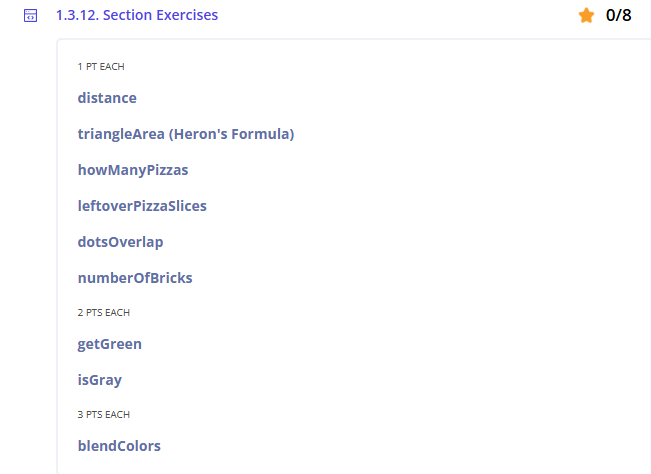
Code Tracing Exercises
Reminder: Make sure you complete all tasks before the due date.
Due Date: September 14, 2026
Complete the following CMU Lessons.
1.3.13. Additional Code Tracing Exercises
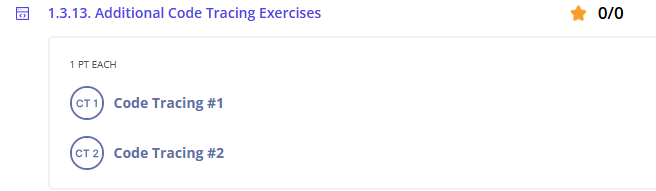
Reminder: Make sure you complete all tasks before the due date.
Due Date: September 14, 2026
Complete the following CMU Lessons.
1.3.14. Additional Practice Exercises
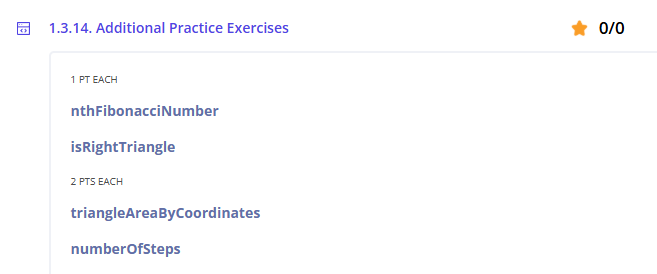
Reminder: Make sure you complete all tasks before the due date.
Resources
CMU CS Academy
What is CMU?
Resources
Resources
Resources
Khan Academy
- To Sign into .
- https://www.khanacademy.org/join/HDUD672S
- Log in using your Klein ISD username and password.
- Click on the next line to join the class.
Resources
Cyber Range and tools
Purpose
- Learn how to log in and access the Cyber Range.
Step 1: Access Your Cyber Range Account
Note: To copy and paste between the Linux virtual environment and your Windows environment, use Ctrl + Shift + Alt.