Complete the following Code High School Assignment

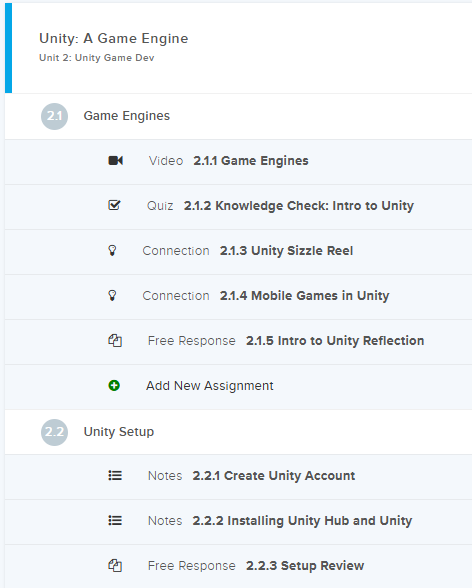
Reminder: Make sure you complete all tasks before the due date.

Due Date: August 20, 2026
Due Date: August 21, 2026
Due Date: See dates after clicking on the link below.
Due Date: August 26, 2026
Source code for the above assignment
# Rock, Paper, Scissors Game
# This program allows the user to play Rock, Paper, Scissors
# against the computer.
#
# The computer randomly selects rock, paper, or scissors.
# The player enters their choice.
# The program compares both choices and determines the winner.

import random

# Create a list containing the three possible choices.
choices = ["rock", "paper", "scissors"]

# Display the title of the game.
print("Rock, Paper, Scissors Game")
print("--------------------------")

# Ask the player to enter rock, paper, or scissors.
# The .lower() method converts the player's answer to lowercase.
# This allows ROCK, Rock, or rock to all be treated the same.
player = input("Choose rock, paper, or scissors: ").lower()

# Check whether the player entered a valid choice.
# If the player's answer is not in the choices list,
# the program displays an error message.
if player not in choices:
    print("Invalid choice. Please enter rock, paper, or scissors.")

else:
    # Randomly select one item from the choices list
    # for the computer's move.
    computer = random.choice(choices)

    # Display the player's choice and the computer's choice.
    print()
    print("You chose:", player)
    print("Computer chose:", computer)

    # If the player and computer selected the same item,
    # the game ends in a tie.
    if player == computer:
        print("It's a tie!")

    # Rock beats scissors.
    # If the player selects rock and the computer selects scissors,
    # the player wins.
    elif player == "rock" and computer == "scissors":
        print("You win! Rock crushes scissors.")

    # Paper beats rock.
    # If the player selects paper and the computer selects rock,
    # the player wins.
    elif player == "paper" and computer == "rock":
        print("You win! Paper covers rock.")

    # Scissors beats paper.
    # If the player selects scissors and the computer selects paper,
    # the player wins.
    elif player == "scissors" and computer == "paper":
        print("You win! Scissors cuts paper.")

    # If the game was not a tie and none of the player-winning
    # conditions were true, the computer must have won.
    else:
        print("Computer wins!")
Due Date: See dates after clicking on the link below.
Due Date: August 31, 2026